Class 6: Basic for designing a PCB

In this class, we will do something concerned with the electronic--PCB(Printed Circuit Board). However, firstly taking it easy. After figuring out what each component can do, we will initially learn how to "print" the circuit board.

  • There are many types of PCB printers on market and we use the one without laser. It just work with powerful engineer ,and precise and different screw head to make a exact print on the board.
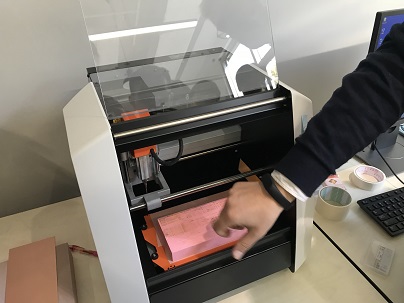
    From the picture above, we have a blur view of the printer.

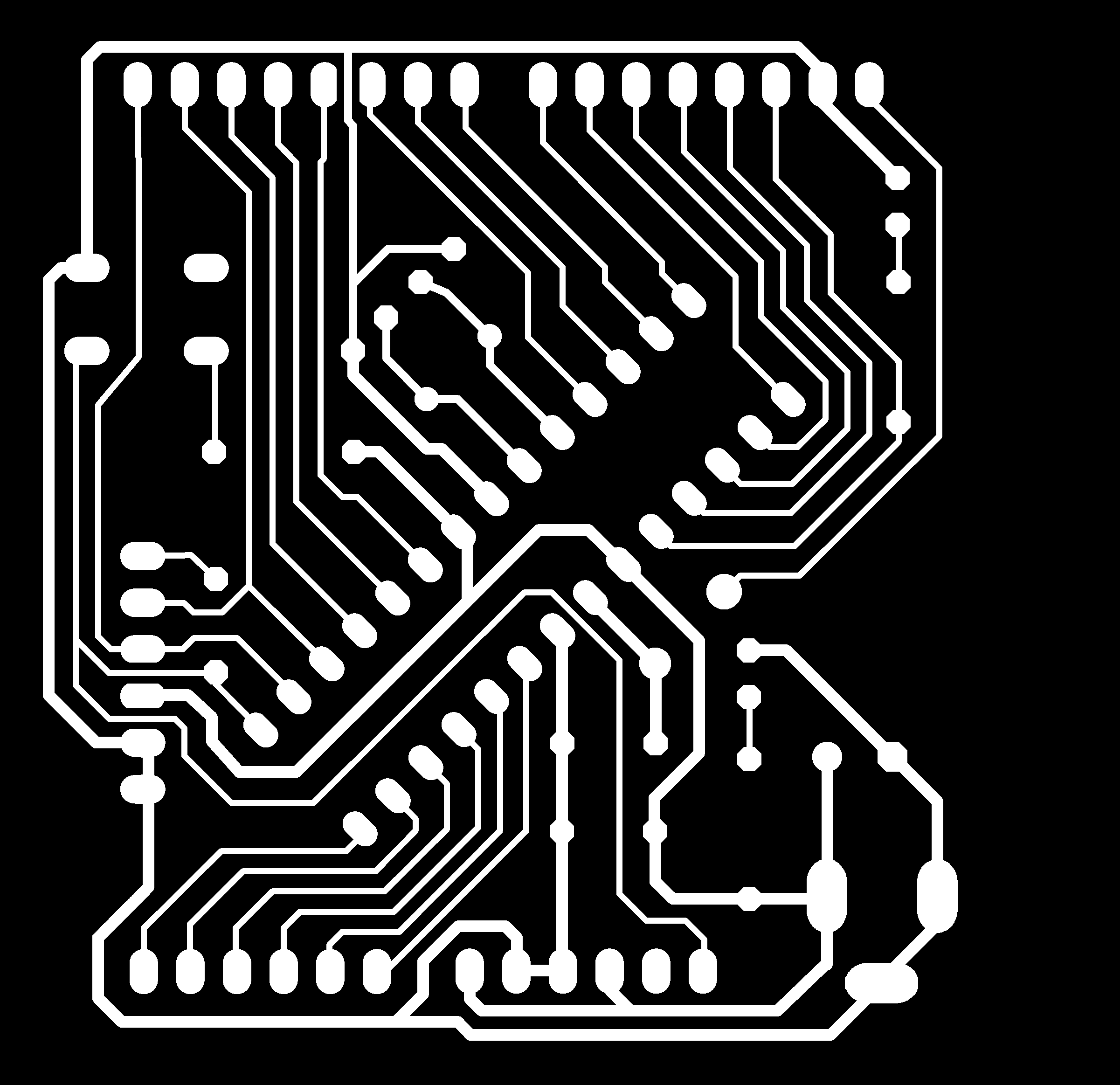
  • The pictures below are models of a PCB what we get.
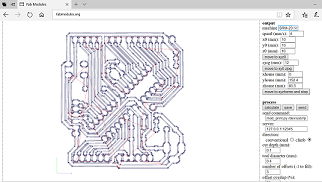
  • First picture is the trace we want print on the PCB, but this is not the complete file, we need to design many parameters such as the number of depth and offset on a website calledwww.fabmodules.org. After adjusting these parameters to your ideal number, you can print the button "calculate", the website will yield a final picture which can be processed by the printer.Well, this is just a model, I still don't know what place for what component, but I will know in the coming class. At that time , I will design a PCB such as this model.
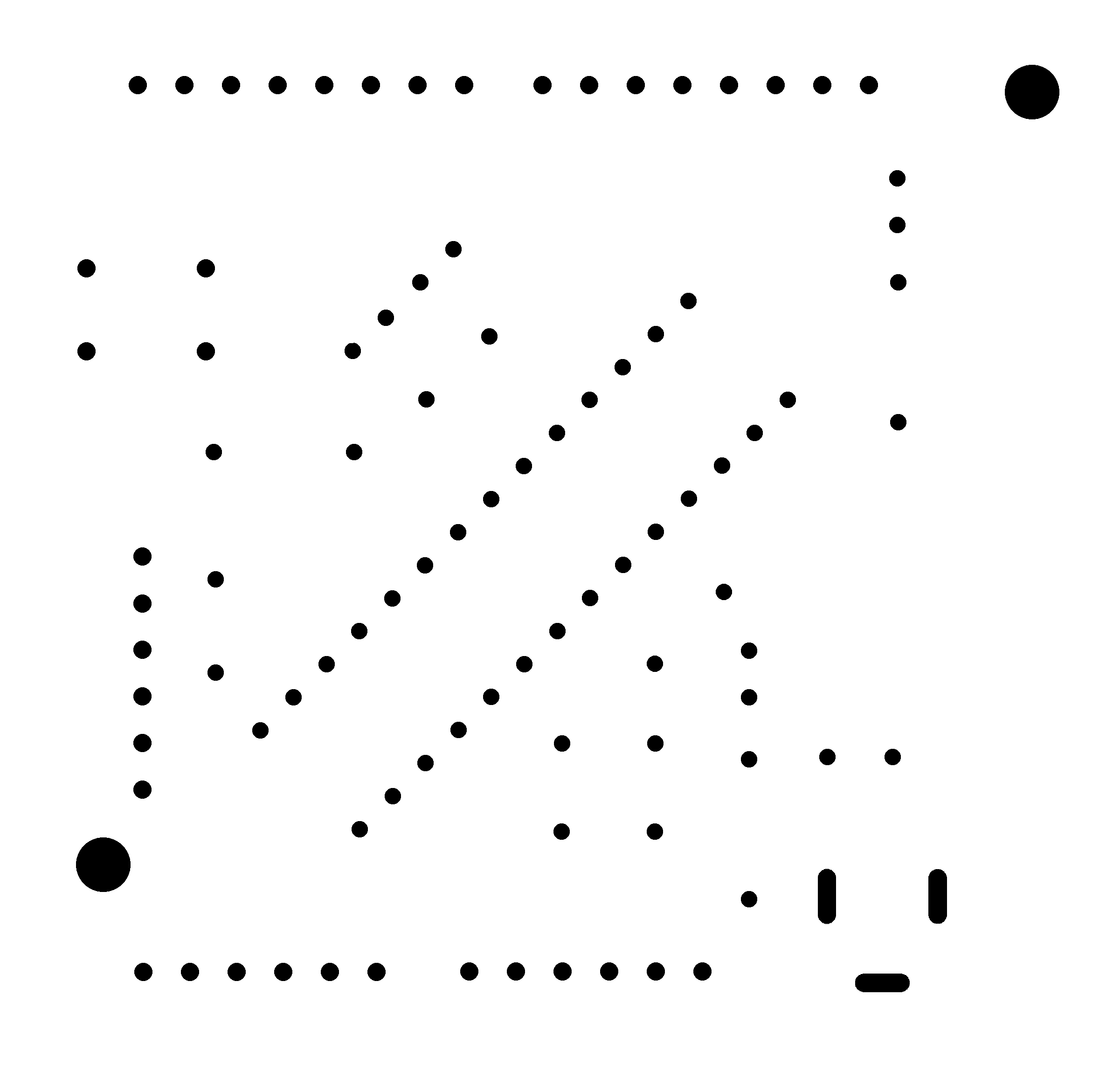
  • Second one is the edge of the PCB board, we can also call it the cutting trace. Third one is the positions of different holes.
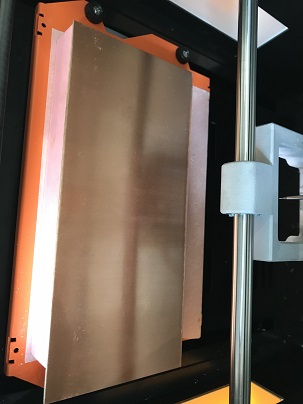
  • Firstly, the base need to be installed stably and precisely. Then, we need to make it become a perfect surface, no one would know whether this new base is leveln until we use the SRM-20 to let it become a perfect level. Finishing doing that, the original board can be put on.
  • What a beautiful plane! Next, let we adjust some parameter on the fabmodules.
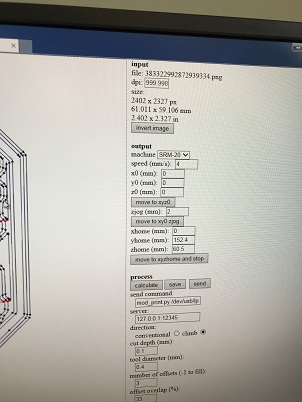
  • This is the parameter for the trace. In fact, there is just a little differences between the parameters of trace, hole and edge. Firstly, we need to ensure the start point is (0,0,0) which is the origin point we set in SRM-20. Next, the offset and the offset overlap can be changed to the satisfying number.(Offset:the number of the parallel trace. Offset overlap:The cover between two parallel paths)
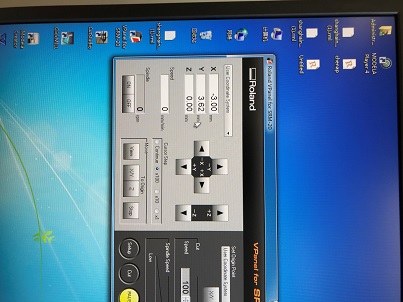
  • After doing that, press "calculate" and save it. Then, open the software control the SRM-20, you will see a operation view like this
  • You set the origin of x and y. Besides, what everyone should remember is that when finishing set the origin of Z, the mill must be turned up to somewhere immediately, which makes it leave the surface at once, or the mill will be broken by force.
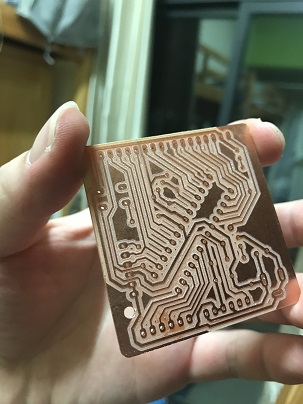
  • Finally, a beautiful PCB can be seen
  • Question

    Actually, when I do the operation, I really forget how to make a perfect surface! This could be a big problem I think.